How It Works
From a local repository to a searchable Software Digital Twin, evidence-backed findings, and user-approved fixes — see the workflow step by step.
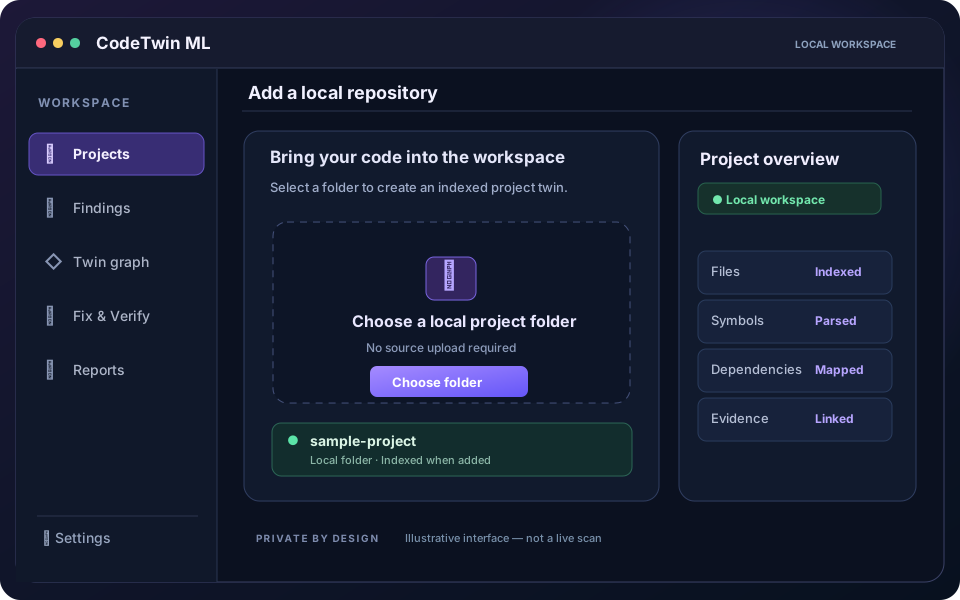
Illustrative interface · not a live scan or verification result STEP 01Add your repository
Start with a codebase on your own computer.
Choose a local project folder. CodeTwin ML discovers supported languages and builds a persistent project index without running your application or uploading its source.
- Select a local project folder
- Track indexing coverage
- Re-index only changed files
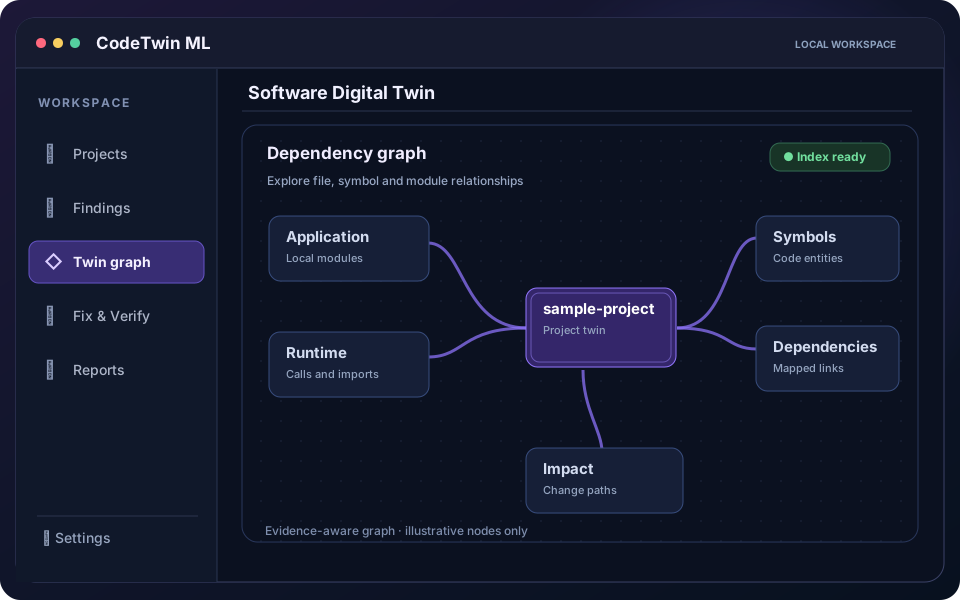
Illustrative interface · not a live scan or verification result STEP 02Build the Software Digital Twin
Understand connections before making changes.
CodeTwin links supported files, symbols, imports, and dependencies into a searchable digital twin. Explore relationships, change impact, and unresolved evidence rather than assuming every link is known.
- Explore files and symbol relationships
- Trace dependencies and impact
- Keep source evidence connected
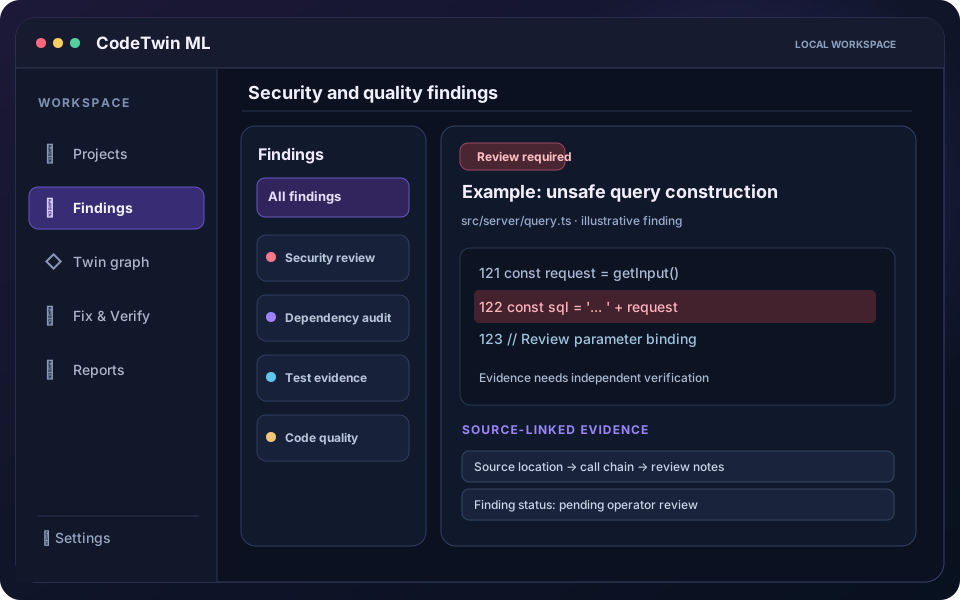
Illustrative interface · not a live scan or verification result STEP 03Analyze findings
Find potential problems with the evidence behind them.
Review code quality, static security, dependency, runtime, database, and QA findings. Each finding can carry source locations and traceable context; passive test discovery is not presented as a test pass.
- Review findings by category
- Inspect source-linked evidence
- Distinguish confirmed and inconclusive results
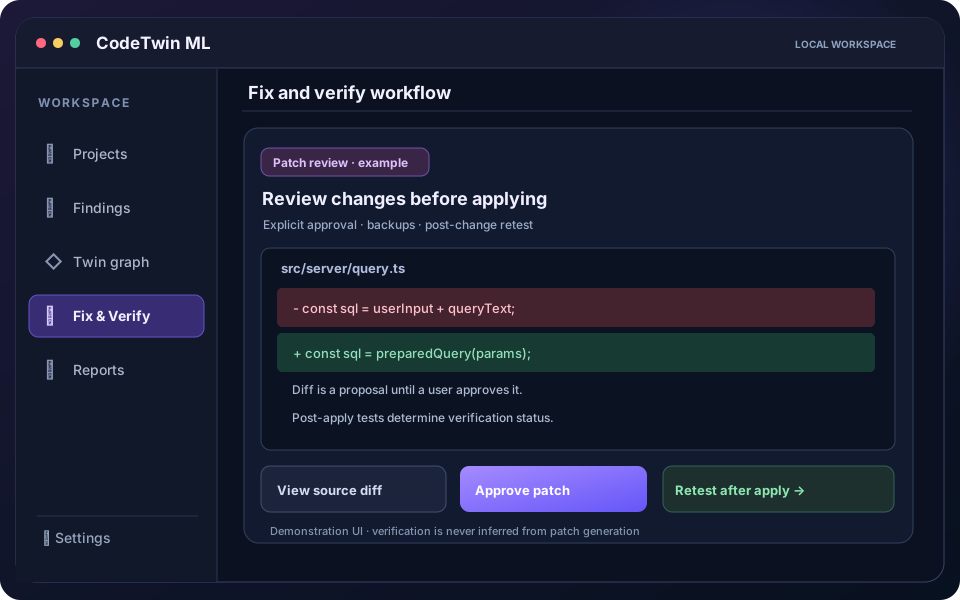
Illustrative interface · not a live scan or verification result STEP 04Approve, fix, and verify
Stay in control of every source-code change.
Review an exact patch and approve it before CodeTwin writes files. Source hashes and backups protect the change, while post-apply indexing and retesting determine whether the issue is actually fixed.
- Inspect and approve exact diffs
- Preserve backups and rollback options
- Verify through independent retesting